Print Flyers Where Your Audience Is
Download the auto-generated flyer and put it where it matters — trailheads, reception desks, community boards, school notice boards, or tourist information centers.
You've created an amazing experience — now it's time to spread the word. GeoQuestr gives you multiple ways to invite participants, from QR codes to direct links and printable flyers.
 Instant participant access
A closer look at the tools that help you reach participants wherever they are.
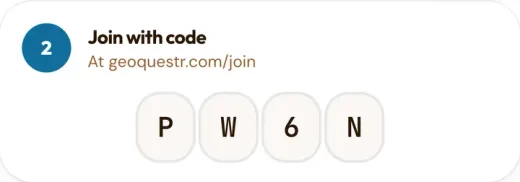
Every experience is assigned a unique short alphanumeric join code. Participants type it in at geoquestr.com/join to land directly in the experience — no scanning or link needed.
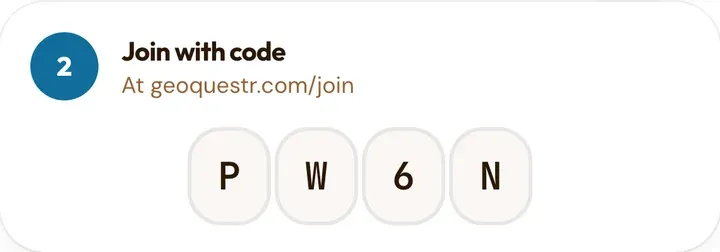
A teacher writes the join code on the board, and within seconds the whole class is in the experience.
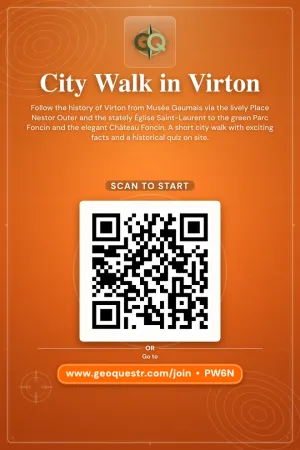
Choose from 10 beautiful downloadable flyers with all the information needed to join your experience. You can also just download the QR Code to create your own custom flyer / poster.
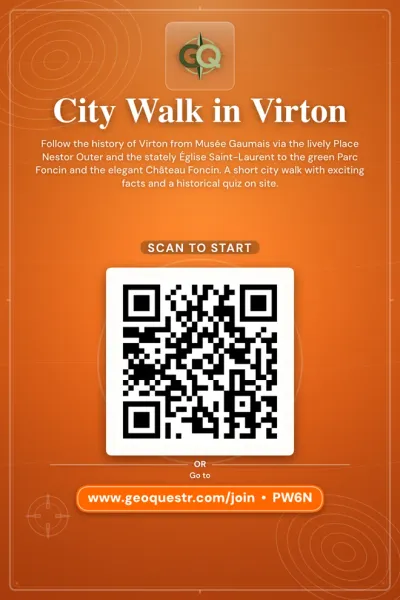
Your flyer displayed at a hotel lobby, inviting tourists to scan and start a city exploration quest before they head out.
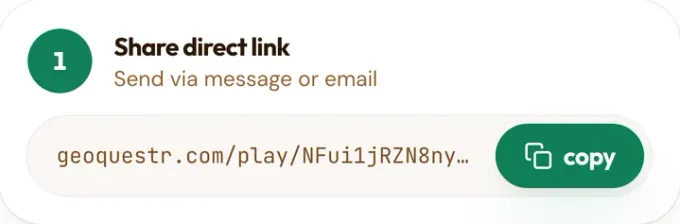
Every experience has a unique shareable URL. Copy it and paste it into a social media post, a WhatsApp message, an email newsletter, or a classroom assignment. Participants click the link and land directly in your experience.
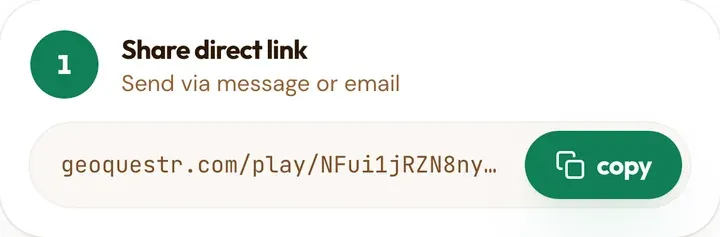
A single link in your Instagram bio sending followers straight into your city adventure.
Get the most out of your sharing strategy with these practical tips.
Download the auto-generated flyer and put it where it matters — trailheads, reception desks, community boards, school notice boards, or tourist information centers.
Post the direct link on Instagram, Facebook, X, or TikTok. Add a teaser about what the experience involves and watch participants start joining.
Use all sharing methods together. Post the link online, print flyers for physical locations, and share QR codes at events. More channels means more participants.
Create your experience in minutes, then use QR codes, flyers, and direct links to fill it with participants.