1
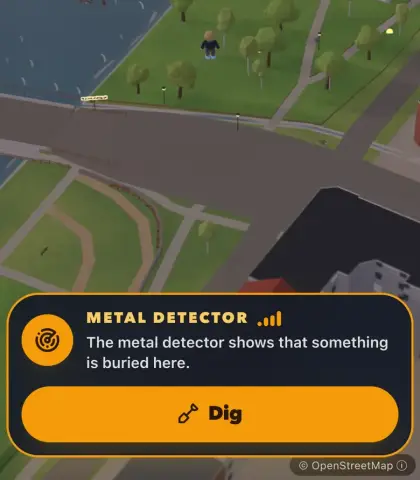
The metal detector goes off
Finds don't show on the map. When a player comes within ten metres, the metal detector appears, and its signal bars show how close the find is.
Place hidden objects on the map. When a player gets close to an object's spot on the map, the metal detector goes off. They then dig up the find in AR mode. You can tailor the finds entirely to your theme.
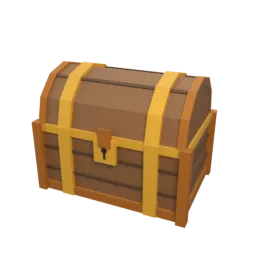
The finds lie hidden along the way. Players find them by walking close and digging them up on their phone.
Finds don't show on the map. When a player comes within ten metres, the metal detector appears, and its signal bars show how close the find is.
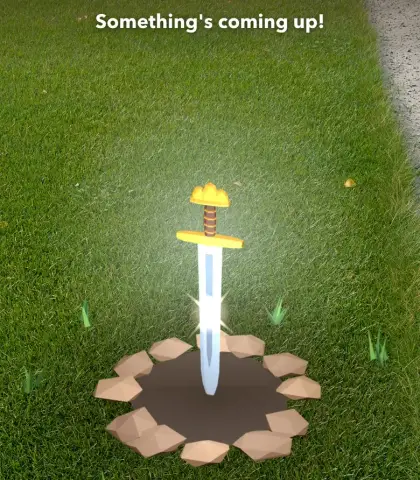
The player taps Dig, points the phone at the ground and digs three times. The find comes up out of the hole, right in the real surroundings.
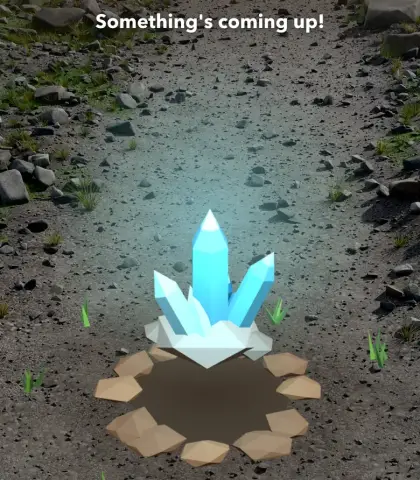
The find adds bonus points on the leaderboard, and if you've written a message it shows straight away: a clue, a story or what happens next.
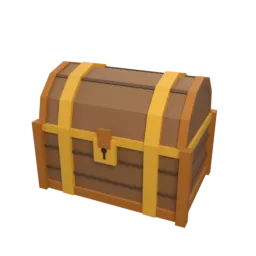
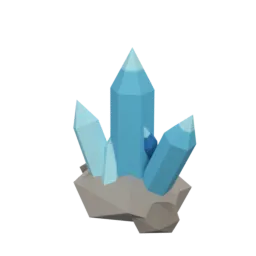
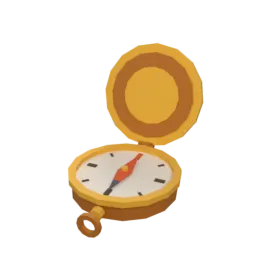
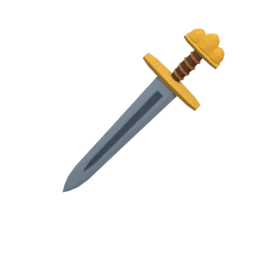
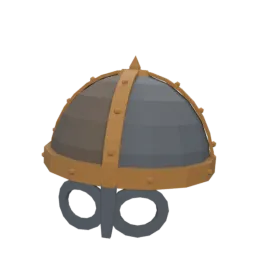
Each find has its own 3D model that comes up out of the ground. Mix them freely in the same activity.
The classic for any treasure hunt.
For mines, bedrock and geology.
For voyages of discovery and orienteering.
For castles, battlefields and legends.
For the Viking Age and ancient remains.
Hidden finds turn the way between quests into part of the game.
The find comes up out of the ground in the phone camera, with the grass, gravel or rocks where the player stands as the backdrop.
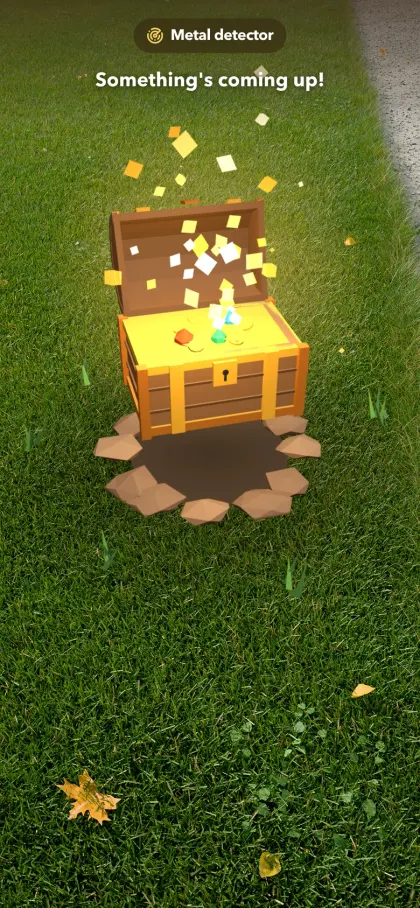
Give each find 50, 100, 200 or 300 points. They're added on the leaderboard, on top of the quests.
Write a heading and a message that appear when the find is dug up, such as a clue or a piece of the place's history.
The game view shows how many of the hidden finds a player has found, so it pays to keep looking.
See live who has dug up what, right next to each participant's points.
Bury them on the map while you build the activity, ideally on the way between two quests, and move them until they're in the right spot.
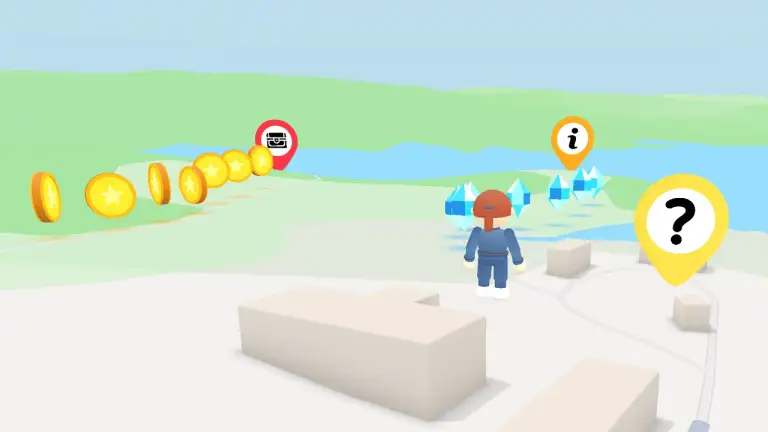
Långban mining village, Filipstad 60 min
Dig up treasure, collect crystals and solve the riddles at the most mineral-rich place on Earth.
View example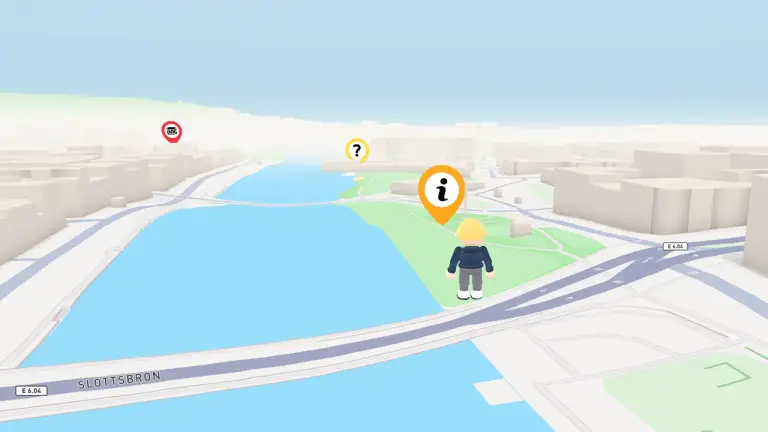
Halmstad 60 min
Walk along the Nissan and discover a time long ago when the ancestors of the Swedes, the Vikings, lived here.
View example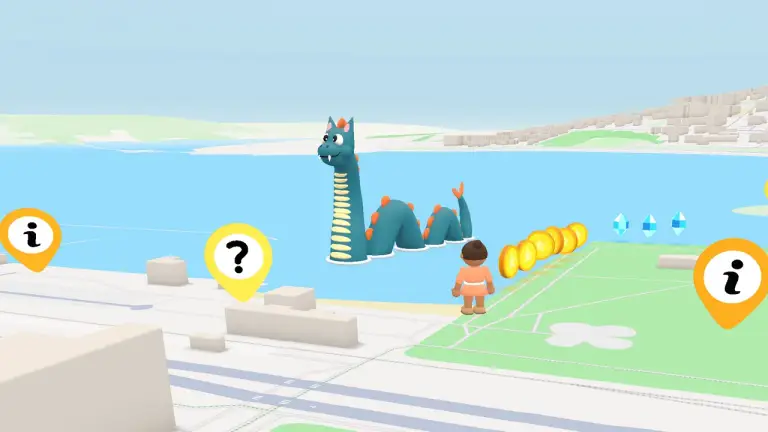
Östersund 45 min
Follow the clues to find the lake monster’s buried treasure.
View exampleBuild the activity, bury the finds on the map and let the players search.