01
Enter a Join Code
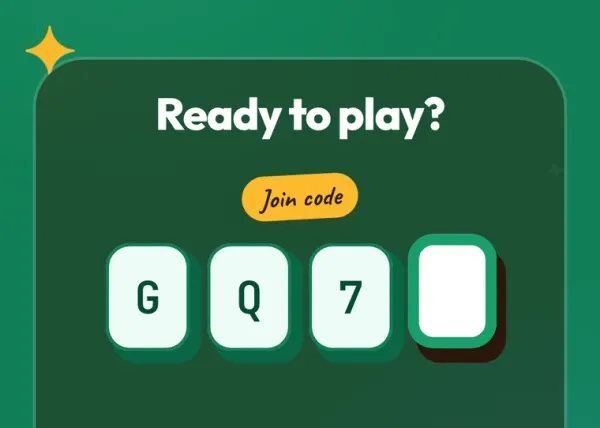
Got a 4-character code from the organiser? Just tap Join with Code and enter it there — you'll be in in no time.
Got a QR code, join code, or a direct link? You're just seconds away from your experience — no app needed. Run it straight in your browser.
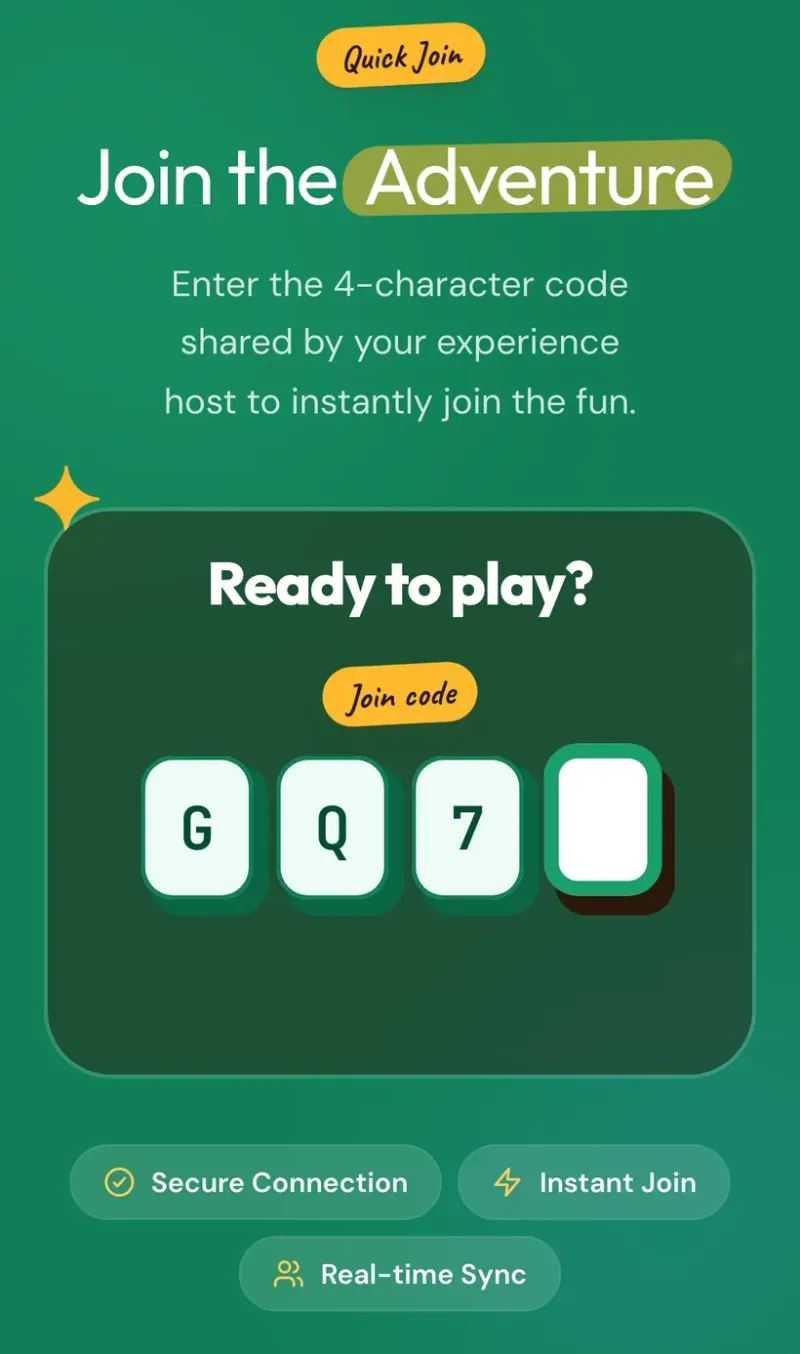
Got a 4-character code from the organiser? Just tap Join with Code and enter it there — you'll be in in no time.
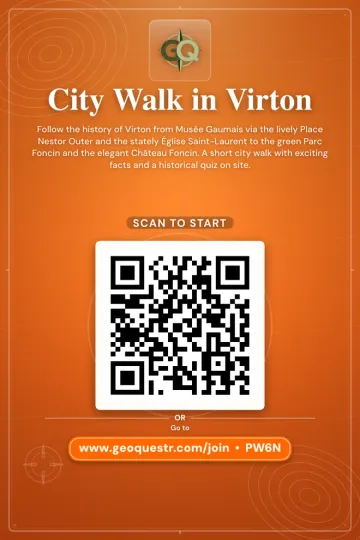
See a flyer or poster with a QR code? Point your phone camera at it and you'll be taken straight to the experience.

Received a link via message, email, or social media? Just tap it and you'll land directly on the experience page, ready to start.
No matter how you join, the experience follows the same simple steps.
Enter a join code, scan a QR code, or tap a link. Create a free account, pick a nickname and choose your avatar.
Follow the map to the starting point. Your phone's GPS guides you and shows your position in real time.
Walk to each quest location and tackle the challenges — answer questions, snap photos, find hidden items, or complete exercises.
Cross the finish line, see your results, compare with other participants, level up, and unlock achievements.
Got a join code? Enter it now and start playing in seconds. No app download needed — everything runs in your browser.