1
Walk to the next stop
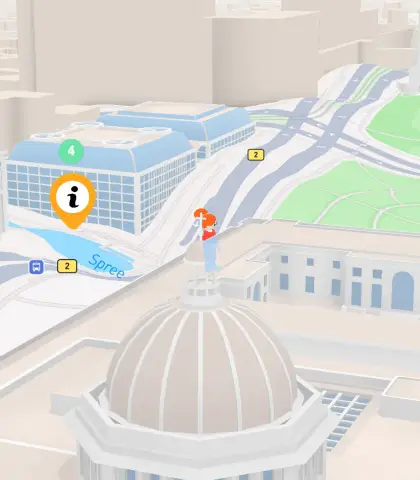
The map shows the distance to the next stop. The content unlocks when the participant arrives.
Share facts and stories through text, audio, images, or video — with interactive quests.

Drop pins at the locations you want visitors to stop. Each pin becomes a point of interest with its own content.
Add rich text, photos, YouTube videos, and details for each stop. Tell the story of the place, share historical facts, or describe what visitors should look for.
Publish the experience and share the link however you like. Participants join and complete the quests along your route.
The map shows the distance to the next stop. The content unlocks when the participant arrives.
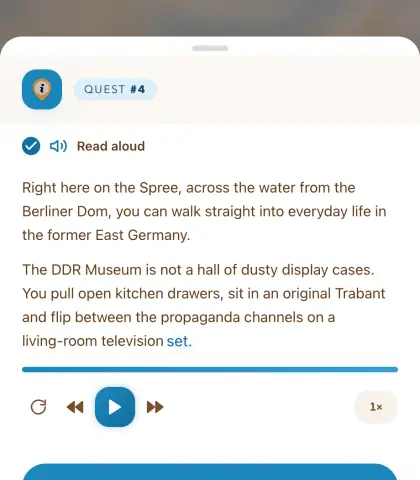
Depending on the quest settings, the participant gets the content as text, image, video or a narrator voice with automatic translation into 8 different languages.
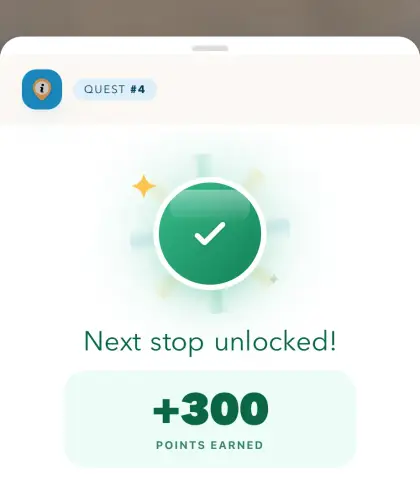
Once the stop is done, the next one unlocks and the route continues — all the way to the finish.
Take visitors through a city's highlights with stories about landmarks, architecture, and local history. Tourists explore on their own, at any time.
Guide new students or visitors around campus with descriptions and images at each stop — a self-paced alternative to guided groups.
Tell the story behind buildings, monuments, and street names. Residents and visitors alike learn about the area's history on foot.
Give tourists and locals a new way to explore your city, with a location-based game that engages on a whole new level.